How to Set Up an IP PBX System: Complete Installation and Configuration Guide
Setting up an IP PBX system can transform the way a business handles calls. Instead of relying on separate phone lines for every employee, an IP PBX connects extensions, SIP trunks, IP phones, mobile apps, and business communication tools through one centralized system.
If you’re wondering how to set up an IP PBX system, the process is easier when you approach it in the right order: plan the network, install the PBX, configure extensions, connect your VoIP provider, set up call routing, and then secure and test everything.
Whether you’re installing a Yeastar P-Series appliance, a software PBX, or another VoIP PBX system, this guide explains the complete process in simple terms.
What Is an IP PBX System?
An IP PBX is a business phone system that uses IP networks to manage voice calls. Unlike a traditional PBX phone system, an IP PBX can use Ethernet networks and SIP technology to connect employees and external telephone services.
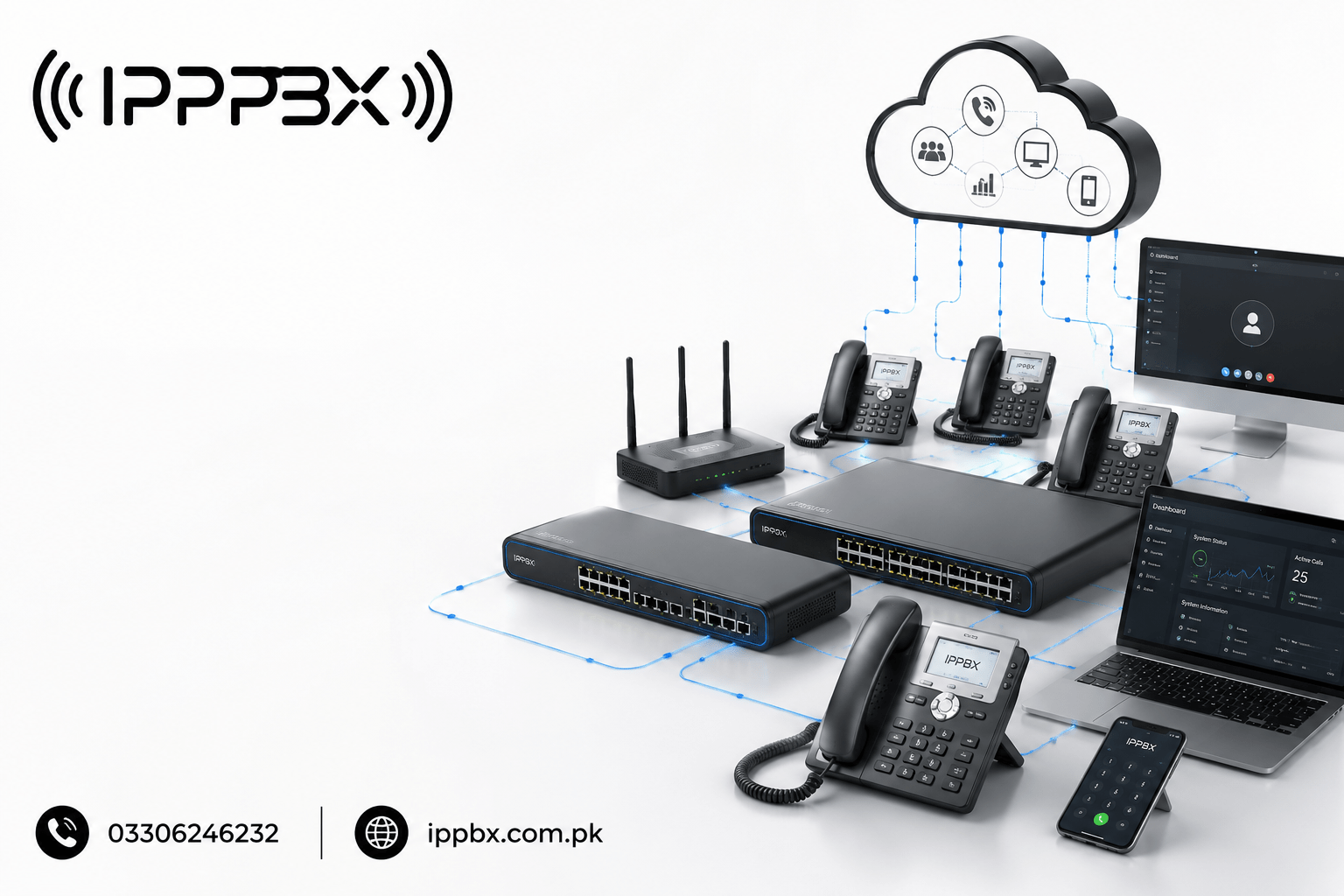
A typical setup includes:
- IP PBX server or appliance
- IP phones
- SIP trunk or VoIP provider
- Network switch
- Router/firewall
- Internet connection
- Mobile or desktop softphones
Modern systems can also provide features such as auto attendants, call queues, IVR, call recording, voicemail, call forwarding, conferencing, and remote extensions.
For businesses comparing an IP PBX system in Pakistan, the right choice depends on the number of users, required features, existing telephone lines, network infrastructure, and whether the PBX will be hosted on-site or in the cloud.
How to Set Up an IP PBX System Step by Step
The exact interface differs between brands, but the overall IP PBX installation and configuration process is similar.
1. Plan Your IP PBX Network
Before connecting the hardware, decide how your telephone system will be structured.
Start by estimating:
- Number of employees
- Number of IP phones
- Number of simultaneous calls
- Number of extensions
- Required SIP trunks
- Remote users
- Call recording requirements
- IVR and call queue requirements
- Future expansion
For example, a small office may need only 10–20 extensions, while a call center could require hundreds of extensions and multiple SIP trunks.
Network planning is important because voice traffic needs a stable connection with low latency and minimal packet loss.
2. Choose the Right IP PBX
Your PBX can be deployed as a hardware appliance, virtual machine, cloud server, or software-based system.
Popular options include Yeastar, 3CX, Grandstream, and other business VoIP platforms.
A hardware appliance can be convenient for organizations that want a dedicated PBX on their premises. A software or cloud PBX can provide greater flexibility for distributed teams.
If you’re researching an IP PBX price in Pakistan, don’t compare only the price of the PBX appliance. Consider the complete cost, including IP phones, SIP trunks, licensing, installation, networking, maintenance, and support.
You can explore available IP PBX solutions through IP Phone Pakistan’s IP PBX Exchange category.
3. Connect the PBX to Your Network
Connect the PBX’s LAN port to your network switch or router using an Ethernet cable.
For a Yeastar P-Series appliance, Yeastar’s installation documentation recommends connecting the PBX to the company’s LAN and then accessing the system from a computer on the same network.
At this stage, make sure:
- The network cable is connected correctly.
- The PBX has power.
- Your computer is connected to the same network.
- The PBX has a suitable IP address.
- Your router and firewall are operating correctly.
4. Find the PBX IP Address
The IP address allows you to access the PBX administration interface through a web browser.
For example, the Yeastar P550 default IP address is 192.168.5.150 when the system is in its factory state. Yeastar’s documentation confirms this default address and explains that it can be changed to match your network.
Open a browser and enter the appropriate IP address.
For example:
The exact access method can vary by firmware and configuration, so follow the documentation for your specific PBX model.
5. Complete the Initial PBX Configuration
After accessing the management interface, the installation wizard will guide you through the initial setup.
Typical configuration includes:
- Network settings
- Administrator account
- Time zone
- Language and regional settings
- System name
- Security settings
- Activation or licensing
Yeastar’s P-Series installation wizard follows this general sequence and requires the administrator to review the configuration before rebooting the system.
Choose a strong administrator password and keep it securely stored. The administrator account controls the entire telephone system.
How to Configure IP PBX Extensions
Once the PBX itself is ready, create extensions for your employees.
An extension is essentially an internal phone identity.
For example:
- Reception — 101
- Sales — 102
- Accounts — 103
- Support — 104
- Manager — 105
Each extension normally has credentials that allow an IP phone or softphone to register with the PBX.
When creating an extension, you may configure:
- Extension number
- User name
- SIP authentication credentials
- Display name
- Voicemail
- Call forwarding
- Call waiting
- Permission settings
After creating the extensions, configure the corresponding IP phones or softphones with the required SIP information.
Connect Your SIP Trunk or VoIP Provider
An IP PBX becomes much more useful when it can communicate with the outside telephone network.
This is where a VoIP PBX system uses a SIP trunk.
Your VoIP provider normally supplies information such as:
- SIP server/domain
- Username
- Password
- Authentication details
- Caller ID
- Transport settings
- Codec requirements
Enter these details in your PBX’s SIP trunk configuration.
Once registered, the PBX can use the trunk for external calls.
For a Pakistan-based deployment, choose a provider that can support your required numbers, call destinations, concurrency, and business requirements.
You can also learn more about software and cloud-based PBX deployments from IPPBX.com’s software and cloud PBX guide.
Configure Outbound and Inbound Routes
Creating extensions and registering a SIP trunk isn’t enough. You also need to tell the PBX how calls should travel.
Outbound Routes
Outbound routes determine which calls can leave the PBX and which trunk should handle them.
For example, you might create separate rules for:
- Local calls
- Mobile calls
- International calls
- Emergency numbers
- Special business numbers
Restrict international calling unless employees actually need it. This reduces the risk of unauthorized or fraudulent calls.
Inbound Routes
Inbound routes determine what happens when someone calls your business number.
A typical route could send incoming calls to:
Main Number → IVR → Sales / Support / Accounts
For example:
“Press 1 for Sales, press 2 for Support, or press 3 for Accounts.”
This gives even a small company a more professional PBX phone system experience.
Configure IVR, Ring Groups, and Call Queues
Once basic calling works, you can build your business call flow.
IVR
An Interactive Voice Response system lets callers choose an option using their phone keypad.
Ring Groups
Ring groups allow multiple extensions to ring when a call reaches a department.
Call Queues
Queues are useful when several customers need to reach the same team.
For example:
Customer → Support Number → Queue → Available Agent
You can configure music on hold, queue announcements, agent strategies, and waiting limits depending on your PBX platform.
Configure IP Phones and Softphones
Now register your physical IP phones.
Common business phone brands include Yealink, Grandstream, Fanvil, and others.
You can also use desktop or mobile softphones where supported.
For each device, enter the extension’s SIP credentials and PBX address.
Once registered, test:
- Extension-to-extension calls
- Outbound calls
- Incoming calls
- Hold
- Transfer
- Voicemail
- Call forwarding
Yeastar’s own getting-started documentation follows the same broad approach: prepare the PBX, create extensions, set up employee phones, then connect the system to the outside world through an ITSP.
Secure Your IP PBX Before Going Live
Security should never be an afterthought.
An exposed PBX can become a target for unauthorized registration and fraudulent calling.
Use:
- Strong administrator passwords
- Strong SIP credentials
- Firewall rules
- Secure remote access
- Updated PBX firmware
- Restricted international dialing
- Network segmentation where appropriate
- Monitoring and call logs
- Regular backups
If remote extensions are required, use the secure remote-access features supported by your PBX instead of exposing unnecessary management services directly to the public internet.
What About a Home PBX System?
A home PBX system can be useful for a home office, small business, or remote team that needs several extensions or a business phone number.
However, a home setup should still use sensible security and networking practices.
For a very small operation, a cloud PBX or software PBX may be simpler than purchasing dedicated hardware.
For larger organizations, a dedicated appliance or professionally managed cloud deployment may make more sense.
How Much Does an IP PBX Cost in Pakistan?
The PBX system price in Pakistan varies significantly depending on the model, capacity, licensing, and features.
The total cost can include:
- PBX hardware
- IP phones
- SIP trunk
- Licensing
- Installation
- Network equipment
- UPS or power protection
- Maintenance
- Technical support
A small business should therefore calculate the total cost of ownership, rather than comparing hardware prices alone.
For current product options, you can browse the IPPBX.com.pk IP PBX category.
IP PBX Installation and Configuration PDF: What Should It Include?
If you’re creating an IP PBX installation and configuration PDF for your IT team, installer, or customer, include more than basic login instructions.
A useful document should contain:
- Network diagram
- PBX IP address
- Extension list
- SIP trunk details
- Inbound routes
- Outbound routes
- IVR structure
- IP phone configuration
- Firewall requirements
- Backup procedure
- Administrator responsibilities
- Troubleshooting checklist
Never include passwords or sensitive credentials in a document that will be shared widely.
Common IP PBX Problems and Solutions
Phones are not registering
Check the PBX address, extension credentials, network connectivity, and SIP settings.
Incoming calls are not working
Check the SIP trunk registration and inbound route.
Outgoing calls fail
Check the outbound route, dial pattern, trunk status, and provider permissions.
Voice quality is poor
Check internet stability, latency, packet loss, bandwidth, and network congestion. Voice traffic may also benefit from appropriate QoS configuration.
Remote phones cannot connect
Review your secure remote-access configuration, firewall, NAT, and PBX connectivity.
Frequently Asked Questions
What is the easiest way to set up an IP PBX system?
The easiest approach is to choose a PBX platform with a guided installation wizard, connect it to a properly configured network, create extensions, connect a SIP trunk, and then configure phones and call routes. A professional installer can simplify the process for businesses without in-house VoIP expertise.
What is the Yeastar P550 default IP address?
The Yeastar P550 default IP address is 192.168.5.150 when the appliance is in its factory state. Yeastar states that the address can be changed to match the local network.
How much does an IP PBX system cost in Pakistan?
The IP PBX price in Pakistan depends on the PBX model, number of extensions, licensing, IP phones, SIP trunk requirements, installation, and support. Comparing the complete deployment cost gives a more realistic budget than looking at hardware price alone.
Can I use an IP PBX without traditional telephone lines?
Yes. An IP PBX can use SIP trunks and VoIP services instead of traditional telephone lines. However, you still need a suitable internet/network connection and a VoIP provider for external calling.
Is an IP PBX suitable for a small business?
Yes. An IP PBX can be suitable for small businesses, home offices, and large organizations. The key is selecting a system that matches the number of users, calling requirements, budget, and future growth.
Key Takeaways
Setting up an IP PBX system doesn’t have to be complicated when you follow a structured process.
The essential steps are:
- Plan your network and users.
- Choose the right PBX platform.
- Connect and configure the PBX.
- Set the network and IP address.
- Create employee extensions.
- Register IP phones or softphones.
- Connect a SIP trunk.
- Configure inbound and outbound routes.
- Add IVR, queues, and ring groups.
- Secure the PBX.
- Test every call flow before going live.
The right VoIP PBX system can reduce communication complexity while giving your business professional features that traditional phone systems often struggle to provide.
Ready to Set Up Your IP PBX System?
Whether you’re setting up a small home PBX system, a growing business phone system, or a larger cloud PBX and call-center deployment, professional planning can save time, prevent configuration problems, and improve call quality.
Need help choosing, installing, or configuring an IP PBX in Pakistan? Contact the IPPBX team today and discuss your requirements with our specialists.
Contact Us
Website: ippbx.com.pk
Email: [email protected]
WhatsApp: 03306246232